
In a scenario where the volume of information is growing exponentially, relying solely on manual analysis has become unfeasible.
Artificial intelligence not only allows for faster report generation but also improves report quality, offering insights that would be invisible to the human eye.
In this article, you'll learn everything about automating reports using AI: from fundamental concepts to practical tools, real-world case studies, and trends.
If you're looking for efficiency, accuracy, and scalability in your data analysis processes, keep reading.
What is AI-powered report automation?
THE Automating reports with artificial intelligence. and the process of generating, updating and distributing Generates reports using intelligent algorithms, eliminating manual and repetitive steps.
By using AI, these reports are generated based on patterns, predictions, and correlations that often go unnoticed by humans.
Unlike traditional scripts or automated spreadsheets, AI can interpret contexts, identify anomalies, and even propose actions based on data.
Automation with AI goes beyond simply filling in fields: it understands what the data means and delivers actionable narratives.
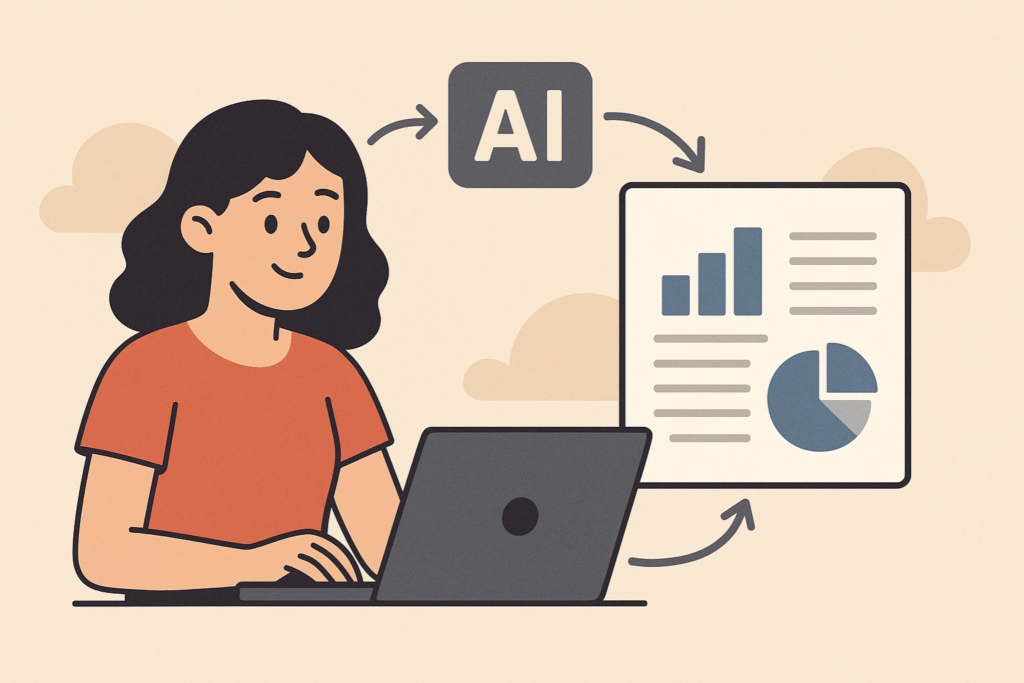
Why adopt AI-powered reporting automation?
Adopting AI-based tools to generate reports is not just a trend, but a real competitive advantage.
Organizations that invest This type of technology offers advantages in speed, error reduction, and analytical capabilities.
Furthermore, AI-powered automation frees up team time for more strategic activities, replaces outdated processes, and makes data communication more efficient and visual.
It is possible to create dynamic dashboards, natural language reports, and real-time alerts based on critical events.
10 tools that use AI for report automation
We selected 10 powerful tools that integrate artificial intelligence into report generation and data management. They serve everyone from freelancers to large corporations:
1. Medallia

The former MonkeyLearn now redirects to Medallia Experience Cloud, which combines text analytics capabilities with AI within a comprehensive experience management platform.
The price is calculated by the model. Experience Data Record (EDR)You pay for the volume of interaction records captured and you have unlimited users and all modules (analytics, alerts, workflows) included, avoiding seat-based fees.
Market reports indicate that Initial packages start from approximately US$20,000/year. in smaller-scale programs, while enterprise deployments may include a one-time setup fee and higher layers of EDR.
The model offers predictability, but projects with large volumes need to negotiate customized tiers to avoid cost overruns. Explore the EDR model. and calculate the best fit for your company.
2. Zoho Analytics

A BI tool with an AI assistant that answers questions in natural language and generates automatic visual reports based on integrated data.
O Basic plan part of R$ 185/month (2 users, 500,000 lines, daily synchronization and up to 2 apps connectors), and there is also a free plan (2 users, 10,000 lines), plus a 15-day trial with all Premium features.
Limitations include restricted data refresh, processing queues for volumes above 1 million lines, and additional charges starting from [amount]. R$ 50/month per extra user or through packages of additional lines.
3. Power BI + Copilot
The integration of Power BI with Microsoft Copilot incorporates generative AI into dashboards, generating natural language summaries, automated explanations, and actionable predictions.
To enable Copilot you will need at least one Power BI licensing Premium Per User (US$ 24/month) or one Fabric F64 capacity, whose investment starts from US$ 4 995/month. Alternatively, Microsoft offers billing. pay‑as‑you‑go at US$ 0.22 per CU‑hour or Instance reserved for US$ 0.14 per CU-hour (equivalent to ~US$ 0.46 or US$ 0.27 by iteration, respectively).
Limitations include unavailability in test SKUs, the need for Premium for very large data volumes, and restrictions on advanced customizations.
4. Google Looker Studio (formerly Data Studio)

With AI-powered integrations and connectors like BigQuery ML, Looker Studio offers visualizations and insights across large volumes of data, and the version Basic education remains free..
Already the Looker Studio Pro part of US$9 per user/project per month (annual billing), adding SLA, team workspaces, and advanced governance.
Extra costs come from paid connectors and BigQuery queries, which are charged separately. Limitations include performance issues with highly complex queries, daily quotas, and the lack of premium support in the free edition. To assess whether it's worthwhile, Compare the plans now.
5. Tableau with Einstein AI
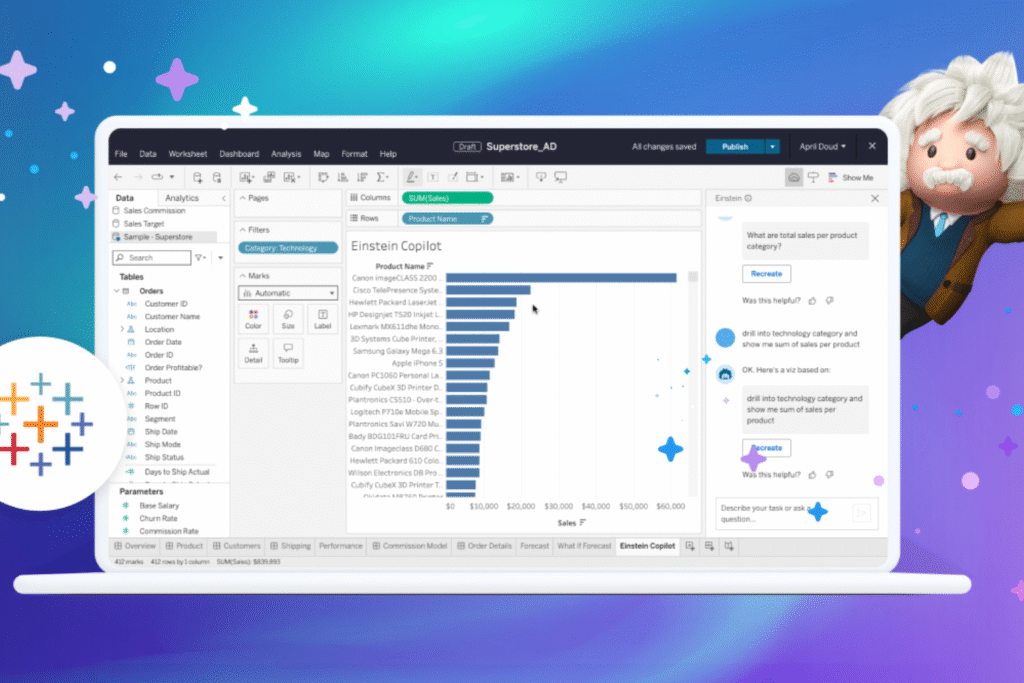
Salesforce integrated Einstein Analytics with Tableau, adding trend forecasting, automated explanations, and natural language insight generation directly to dashboards.
To begin with, you need at least one Creator licensing on Tableau Cloud (US$ $75/user/month) and the add-on Einstein Predictions (US$ 75/user/month), which includes the Einstein Discovery.
THE Enterprise edition or the package Tableau + It adds advanced governance and on-demand AI credits. Limitations include a steep learning curve, the need to configure permissions in both Tableau and Salesforce Org, and costs that scale rapidly in large teams or with high forecast volumes (extra AI credits are charged separately).
6. Dashbot

Designed for bots and voice, it generates automated reports about user behavior, with actionable insights powered by AI.
O Build plan starts at US$ 49/month and releases up to 1 million messages per month; the Free plan It supports 3 bots with reduced volume, while organizations that exceed these limits can negotiate the... Enterprise.
Limitations include shorter data retention on the free plan, lack of advanced exports, and bottlenecks when analyzing conversations that exceed the Build limit.
7. Narrative BI
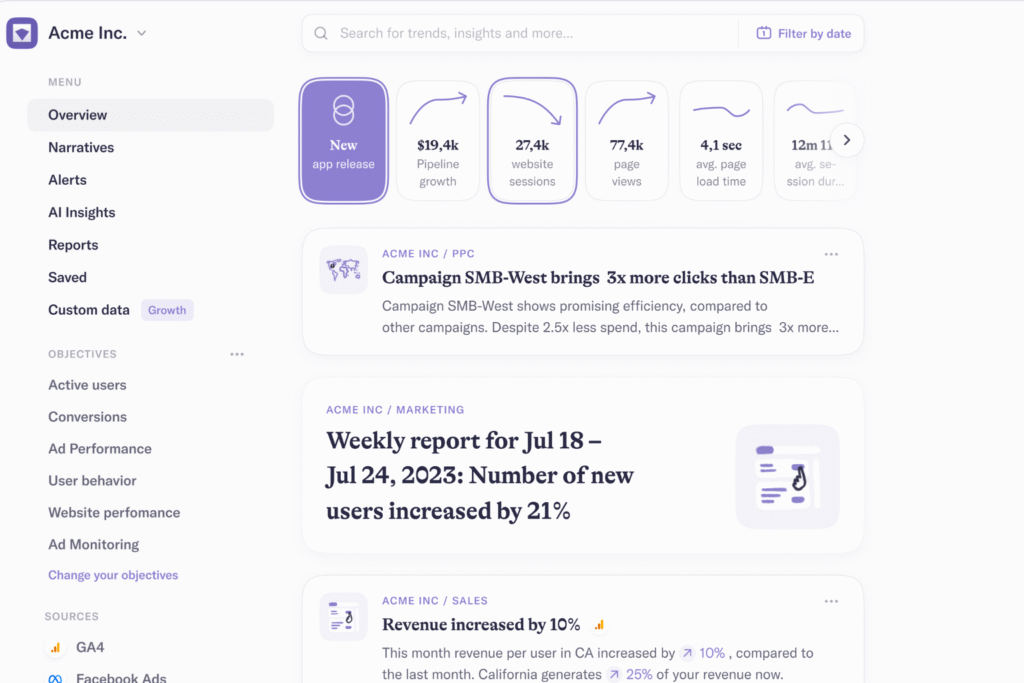
A platform that transforms raw data into natural language stories, generating real-time KPI narratives for marketing and growth teams.
O Pro plan starts at US$ 30 per data source/month (annual fee) and offers unlimited seats, 1 workspace, 10 GB of data and synchronization every 6 hours, in addition to 30 daily requests to the AI Analyst.
O Growth rises to US$$ 40 per source/month, provides 50 workspaces, 20 GB of storage, and 100 daily requests, while the Enterprise Provides customized limits upon request. There is also 7-day free trial.
Limitations include data quotas and AI request limits that may require upgrading in high-volume scenarios. Start your free trial and evaluate which plan best suits your needs.
8. Polymer Search
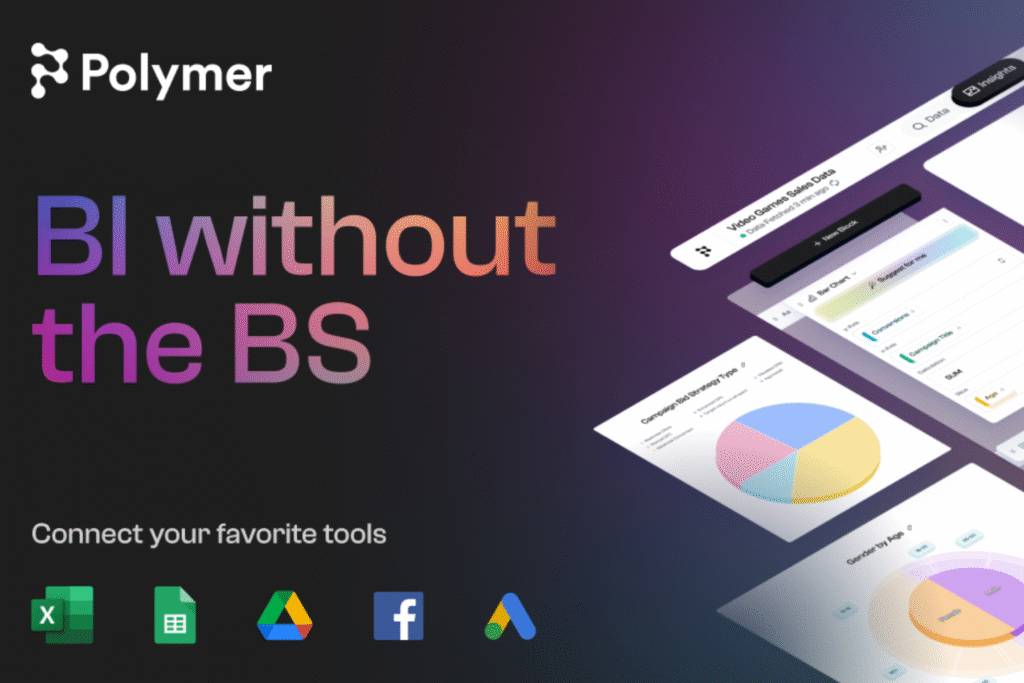
It allows you to upload spreadsheets and generate interactive dashboards with AI without requiring technical knowledge.
O The Basic plan costs US$$ 50/month. (or US$ 25/month (with annual payment) and includes 1 editor, unlimited connectors, and manual synchronization; the plans Pro (US$ 50/month annually / US$ 100 monthly) and Teams (US$ 125 annual / US$ 250 monthly) They add more frequent synchronizations, PolyAI responses, custom metrics, and more editors.
There is still 14-day free trial. Limitations: AI-chat quotas (0 in Basic, 15 in Pro), only 1 account per connector in Basic, and reduced performance in very large databases.
9. Dome
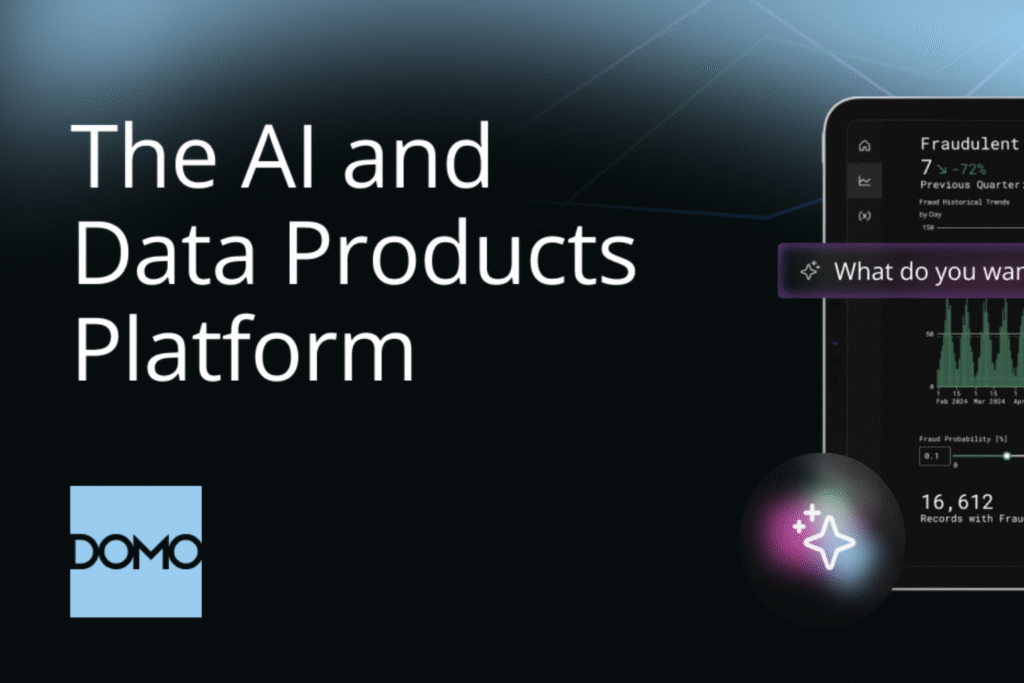
Enterprise BI platform with AI. Built-in for predictive analytics and automation of complete reporting workflows.
Provides 30 days of free access; After the trial, it adopts a credit-based model in which the The starter price is around US$$ 83 per user/month. (≈ US$ 1,000/year) according to independent estimates.
The final cost, however, depends on the volume of data processed—market reports indicate average of ~US$134 000/year in medium-sized companies, while small teams rarely pay less than US$ 10,000/year.
Limitations: steep learning curve, rapid credit consumption in intensive pipelines, and extra costs for premium support or additional storage.
10. Beautiful.ai

Focused on presentations, it generates automatic slides based on data and facilitates visual storytelling.
O Pro plan starts at US$$ 12/month (billed annually) or US$ 45 if paid month by month, including unlimited presentations, PowerPoint export, and view analytics.
For advanced collaboration, the Team costs US$$.40 per user/month. (annual) and offers a centralized slide library, branded themes, and permission controls.
The platform provides 14-day free trial and free educational plan for students.
Limitations: customization of highly complex charts, lower performance on large databases, and the need for the Team plan for complete branding.
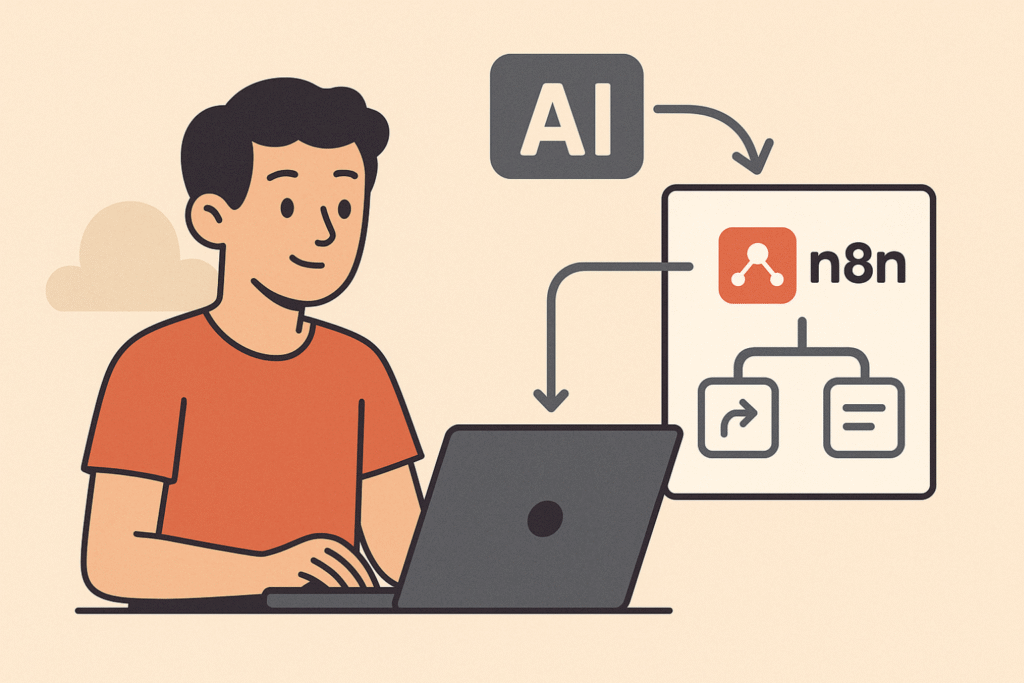
How to create your own AI-powered automation using N8N
Although there are ready-made tools available, it is entirely possible to create your own. Custom AI-powered report automation using the N8N — a highly flexible open-source automation tool.
Practical example:
Imagine you want to generate a weekly report with mentions of your brand on Twitter, perform a sentiment analysis, and send a summary via email.
With N8N, the flow would be:
- Connect to the Twitter API to search for tweets containing a specific keyword;
- Use an AI model (via OpenAI or Hugging Face) to classify the sentiment of tweets;
- Summarize the data using AI and generate a PDF;
- Send the report by email automatically every Monday.
This workflow can be expanded to dozens of applications — all without writing code.
To master these possibilities, explore the N8N Course from No Code Startup, Where you'll learn in practice how to create AI-powered automations for reporting and much more.

Real-world use cases of AI-powered report automation
Companies of all sizes are already using AI-powered automation to transform their relationship with data. Here are some real-world examples:
E-commerce: They automate daily sales reports with inventory forecasts and product suggestions for campaigns.
Digital marketing: Agencies are using AI to generate monthly performance reports with automated improvement insights.
HR and People Analytics: Reports with predictive analysis of employee turnover and engagement based on behavioral data.
Financial: Automation of risk and cash flow reports with projections adjusted by machine learning algorithms.
The future of AI-powered report automation.
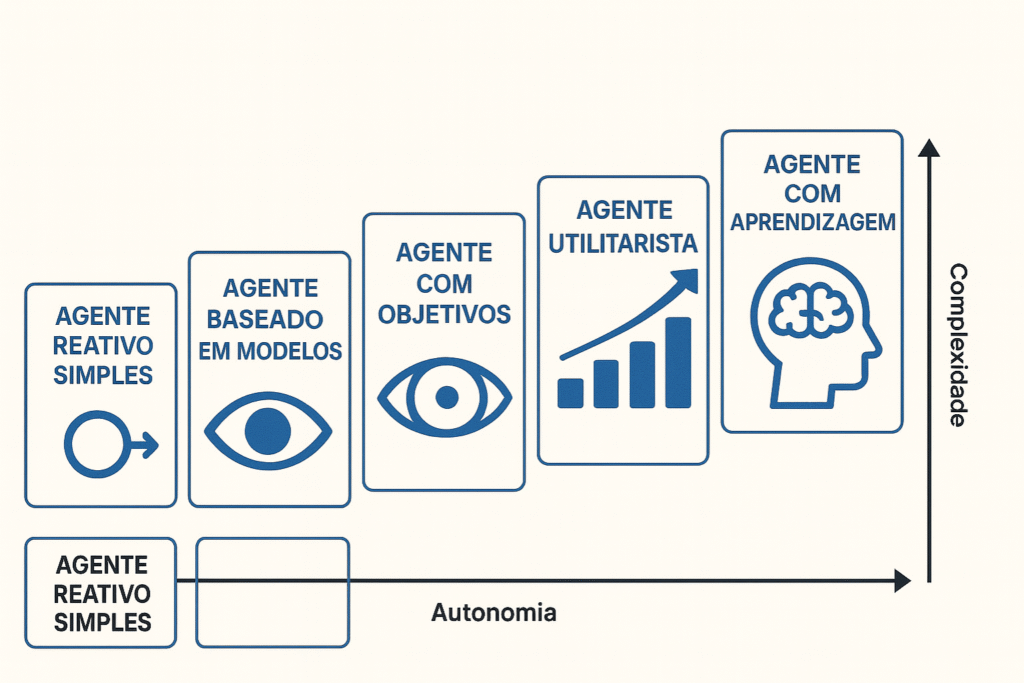
With the advancement of generative AI And with autonomous agents, we are moving towards a new era of intelligent reporting.
Instead of simply showing what happened, future reports will automatically answer strategic questions and suggest actions.
Tools like Dify and Agents with OpenAI They are at the forefront of this evolution, enabling the creation of agents that interpret and report data autonomously.

Transform your reports with AI today.
THE AI-powered report automation It is already an accessible, scalable, and extremely powerful reality.
By combining specialized tools with platforms like N8N, it's possible to create automated workflows, save time, and make smarter decisions.
If you want to master this new landscape, consider taking the next step with... No Code Startup Training Programs and start creating your own solutions with artificial intelligence.
















 EN
EN  PT
PT  ES
ES