

The integration between AI for Excel It is transforming the way professionals and companies analyze data, automate tasks, and make decisions. With the evolution of artificial intelligence, Excel has ceased to be just a calculation and organization tool and has become a platform for intelligent and predictive analysis.
In this article, we'll explore five AI tools that will take your Excel experience to a new level, from basic functionalities to advanced features that save you hours of work.
Contents
What does integrating AI into Excel mean?
The expression AI for Excel This refers to the use of artificial intelligence technologies directly in spreadsheets or integrated into them to optimize tasks.
This can include everything from automated forecasting, pattern detection, and analysis of large volumes of data to the creation of predictive models and automations.
This integration allows you to transform raw data into valuable information, generate quick insights, and reduce human error. AI also expands Excel's traditional capabilities by connecting it to external databases, APIs, and machine learning systems.
Learn more about Training in intelligent automation with AI. and how to apply it in Excel.
Practical benefits of AI for Excel
By adopting AI for Excel, Companies and professionals can accelerate processes and gain a competitive advantage. Key benefits include increased productivity, improved analytical accuracy, more reliable forecasts, and optimized decision-making.
Many users also report significant gains in their ability to handle large volumes of information, something that was previously impossible due to manual limitations.
This combination opens doors to deeper and more strategic analyses. Learn more. No-Code and AI Training and discover how to transform spreadsheets into strategic tools.

Practical applications of AI in Excel
The practical application of AI in Excel is vast and growing. Retail companies can predict demand and adjust inventory, marketing professionals can identify patterns in customer behavior, and finance departments can detect fraud in real time.
With AI, it's possible to perform sentiment analysis of feedback, predict market trends, and even automate the creation of weekly reports.
Integration with external APIs, such as weather forecasting or currency exchange services, also allows for more assertive and faster decisions.
Microsoft Copilot in Excel

O Microsoft Copilot It is Microsoft's AI solution integrated into Excel. It acts as an intelligent assistant capable of interpreting commands in natural language, automatically creating complex formulas, generating charts, and explaining results.
Find out more at Microsoft Copilot official page and see how to apply it to your workflows.
ChatGPT integrated with Excel

Integrate the ChatGPT Integration with Excel is a popular strategy for text analysis, data summarization, and insight generation. Integration can be done via VBA scripts, Power Automate, or third-party connectors.
See practical instructions at Documentation for integrating ChatGPT with Excel. and explore real-world applications in N8N Course.
MonkeyLearn for text classification and analysis.
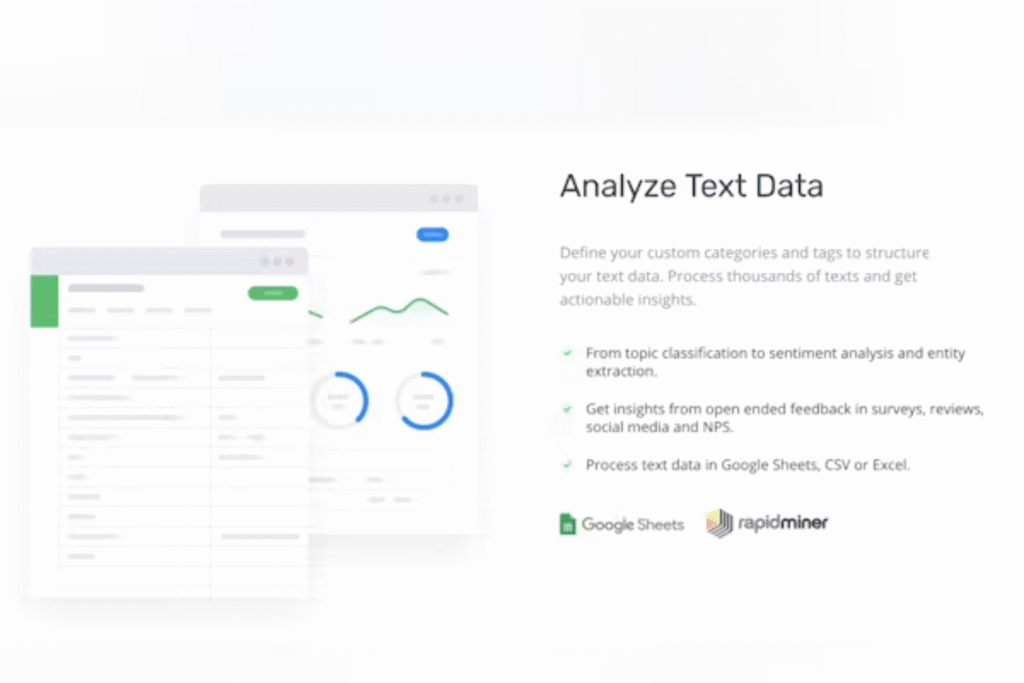
O MonkeyLearn It is an AI platform specializing in natural language processing (NLP). When integrated with Excel, it allows you to create custom models to classify data, detect sentiment, and extract keywords.
Learn more at MonkeyLearn's official website And see how this approach can accelerate your text analysis.
Power BI with integrated AI
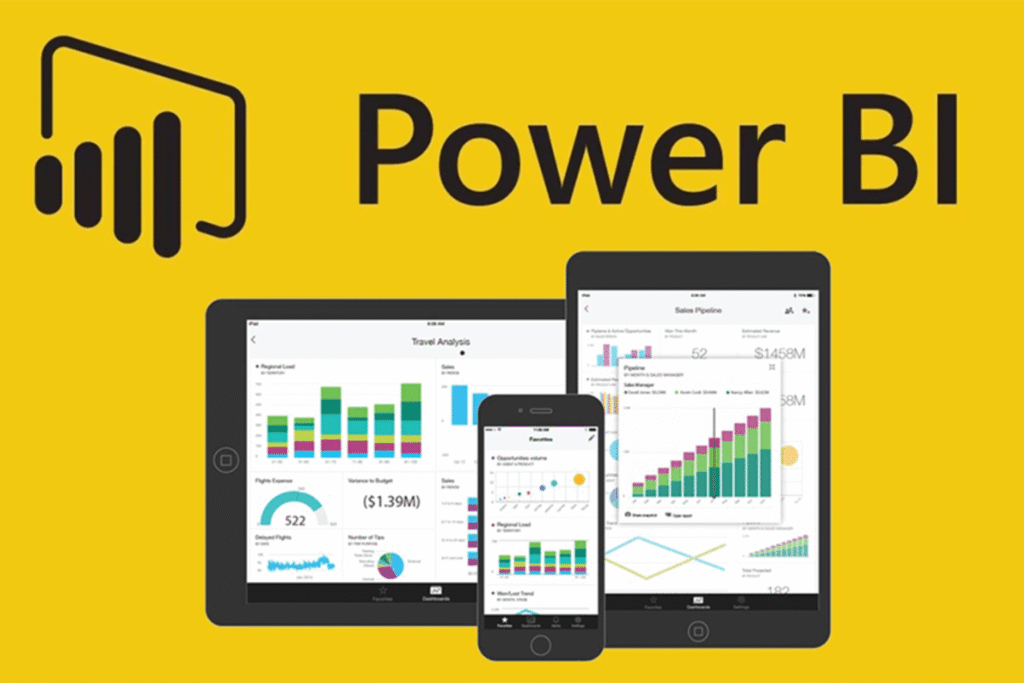
Although Power BI While traditionally a BI tool, its integration with Excel and AI capabilities allow you to create intelligent dashboards directly from spreadsheet data.
Learn more about these features at official Power BI page.
XLSTAT for advanced statistical analysis
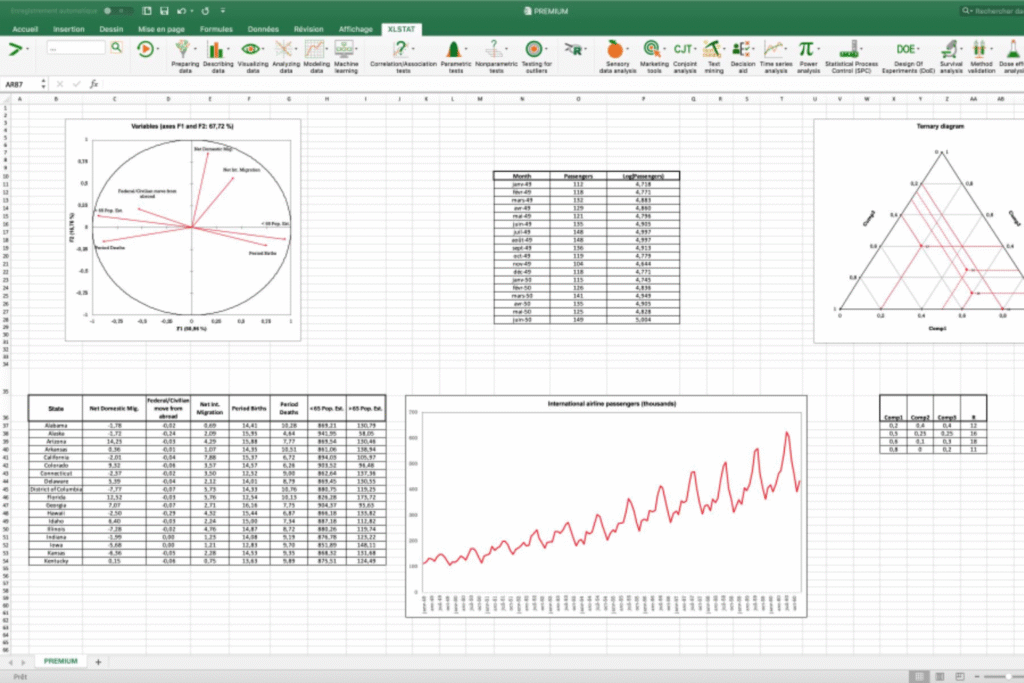
O XLSTAT It's an Excel add-in focused on statistics, incorporating AI to create predictive models and complex analyses. It's used in academic research, marketing, social sciences, and engineering.
Find out more at XLSTAT official page and see how to apply it to your projects.
Boost your Excel productivity with AI.
AI allows repetitive tasks to be automated, freeing up time for strategic analysis. For example, it's possible to program the automatic generation of reports, anomaly alerts, and complex calculations.
Learn how to create optimized Excel workflows with AI at [link/website/etc.]. SaaS AI NoCode training and increase your daily efficiency.
Future prospects for AI in Excel
The use of AI for Excel It is expected to grow exponentially in the coming years, with more intuitive features and native integrations. Companies that adapt early to this reality will be ahead, leveraging the full potential of data to generate strategic value.
Find out more about The future of automation with AI. And get ready to lead that transformation.

















 EN
EN  PT
PT  ES
ES 